Upgrading Optimizely CMS 13 from .NET 10 to .NET 11
.NET 11 is out, and upgrading an Optimizely CMS 13 solution from .NET 10 is quick. Here are the steps for a typical setup: the solution is built in Azure DevOps and hosted on Azure App Service (Linux).
There is one catch: the public site works right away, but CMS edit mode breaks. Step 3 explains why and gives a workaround you can drop into your project until Optimizely releases packages built for .NET 11.
1. Update the build definition
In your build definition, tell the UseDotNet@2 task to install the .NET 11 SDK:
- task: UseDotNet@2
  displayName: 'use dotnet 11.0'
  inputs:
    packageType: 'sdk'
    version: '11.0.x'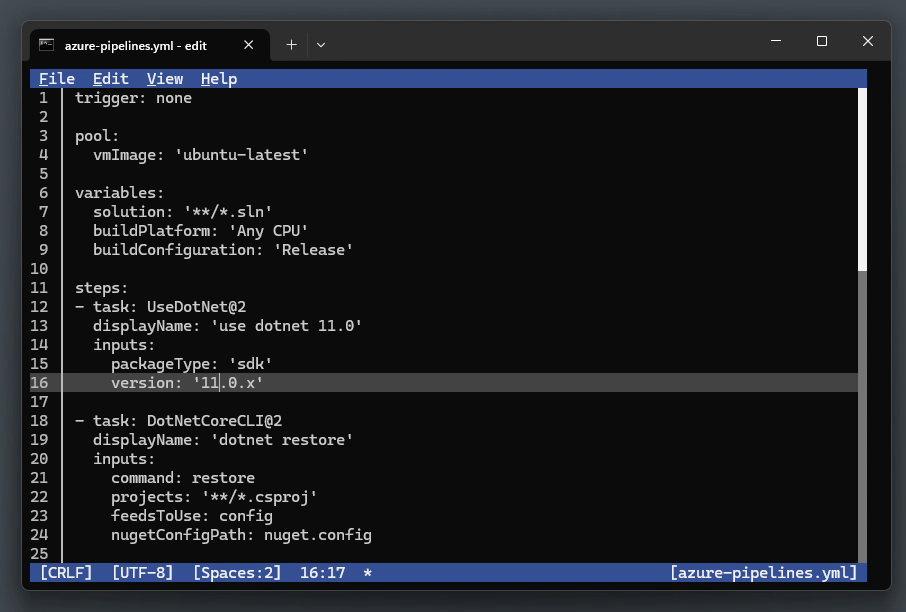
While you're there, check for old steps that install other SDK versions. You may no longer need them.
2. Change the target framework in the project file
In the project file, change TargetFramework from net10.0 to net11.0:
<TargetFramework>net11.0</TargetFramework>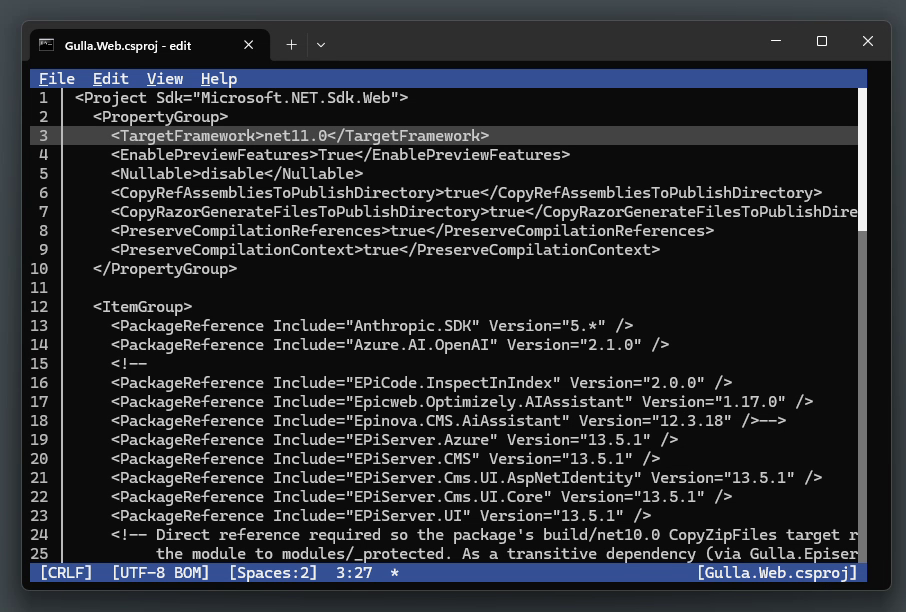
If you reference Microsoft packages that follow the runtime version, update them too. One example is Microsoft.AspNetCore.Mvc.Razor.RuntimeCompilation, which goes from 10.0.x to 11.0.0. This is also a good time to update the Optimizely packages, which are currently at version 13.6.0.
3. Run it locally
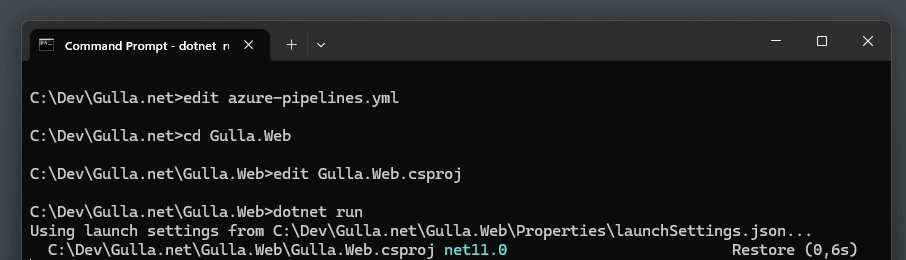
Next, dotnet run. The site starts and the public pages work.
The catch: edit mode returns 500
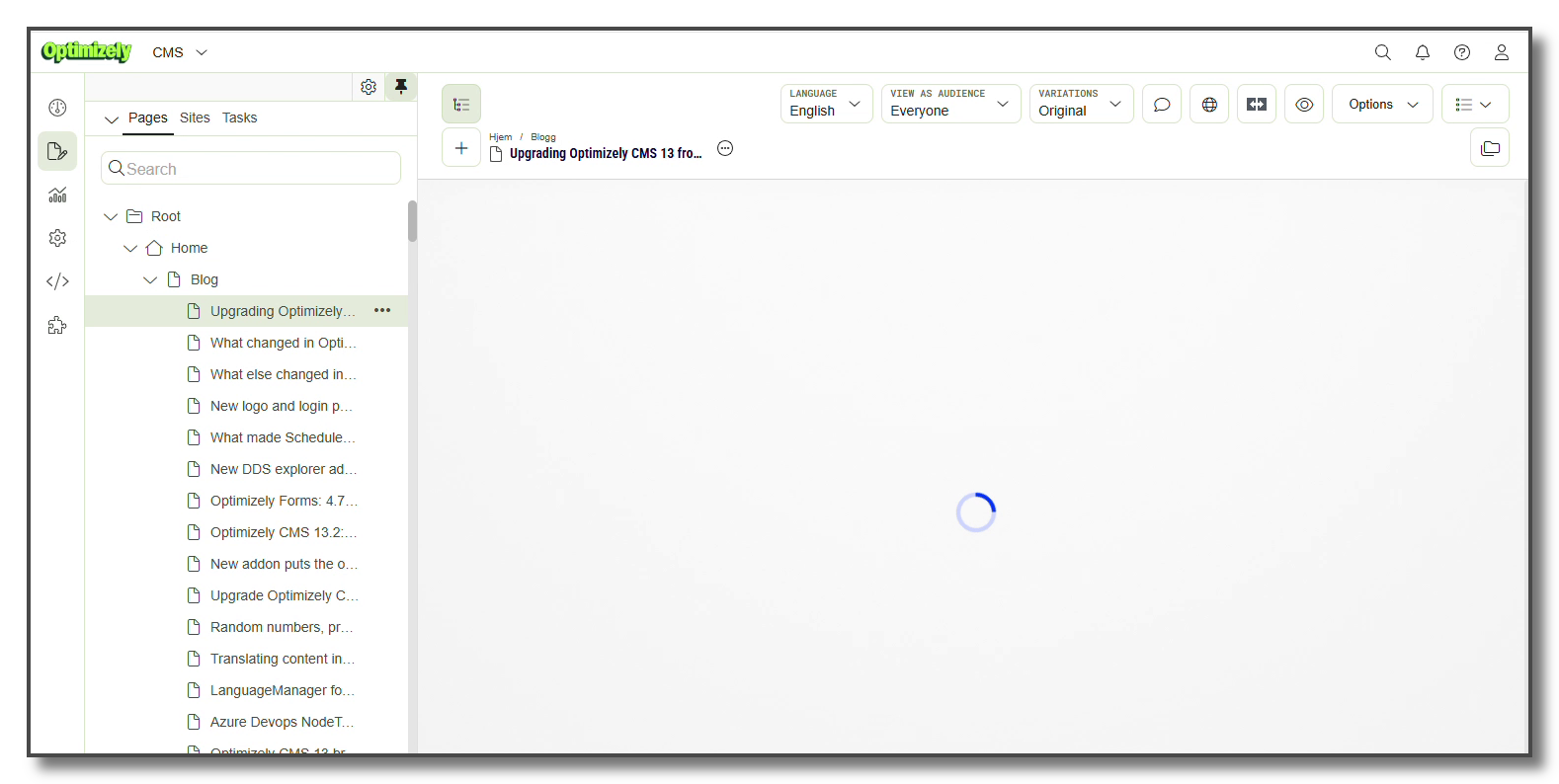
When you open a page in edit mode, the requests to /Optimizely/shell/Stores/... fail with status 500, and the editor never finishes loading:
In the debugger you see this:
System.MissingMethodException: Method not found:
'Microsoft.AspNetCore.Mvc.ModelBinding.Metadata.ModelMetadataIdentity
 Microsoft.AspNetCore.Mvc.ModelBinding.Metadata.ModelMetadataIdentity.ForProperty(System.Type, System.String, System.Type)'
ASP.NET Core had marked that overload of ModelMetadataIdentity.ForProperty obsolete for several versions, and ASP.NET Core 11 removes it. The Optimizely 13.6.0 packages are built for .NET 10, and one class still calls it: ContentDataMetadataProvider in EPiServer.Cms.Shell.UI. That class builds the metadata for every property in the editor. The method only fails when it is first called, which is why the site starts and the public pages work.
The obvious fix is to stay on .NET 10 until Optimizely releases a build for .NET 11. If you want to upgrade now, you can work around it in your own code:
ContentDataMetadataProvideris public, and Optimizely gets it from the service container. That means you can register a subclass in its place.CreateMetadata, the method that makes the call, can't be overridden, because it implements an interface. Callers reach it throughIMetadataProvider, though, so the subclass can implement that interface again and provide its ownCreateMetadata.- The class also calls
CreateMetadatafrom a private iterator, and that call goes straight to the original method. The subclass has to provideGetMetadataForProperties, which uses that iterator, as well. - The new methods are copies of the originals. The one difference is how they create the
ModelMetadataIdentity: they call the private constructor that the removed method used. - The copied code uses private fields and methods from the original class.
[UnsafeAccessor], available since .NET 8, gives access to these without reflection. - An initialization module (
IConfigurableModule) swaps the registration. It does this again inConfigurationComplete, so Optimizely's own registration cannot replace it. Because the class has a[ModuleDependency]attribute, Optimizely finds it at startup, so you don't need to register anything inStartup.cs.
The trick that makes it work is creating the identity without the removed method. The constructor the removed method used is still there, it's just private:
// Equivalent of the removed ModelMetadataIdentity.ForProperty(modelType, propertyName, containerType)
var identity = CreateIdentity(modelType, propertyName, containerType, null, null);

[UnsafeAccessor(UnsafeAccessorKind.Constructor)]
private static extern ModelMetadataIdentity CreateIdentity(Type modelType, string name, Type containerType,
    object fieldInfo, System.Reflection.ConstructorInfo constructorInfo);
And this is how the subclass replaces the original registration:
[ModuleDependency(typeof(EPiServer.Cms.Shell.InitializableModule))]
public class Net11ContentDataMetadataProviderFixModule : IConfigurableModule
{
    public void ConfigureContainer(ServiceConfigurationContext context)
    {
        Replace(context.Services);
        // Run again after every module has configured the container, so registration order can't override us.
        context.ConfigurationComplete += (_, e) => Replace(e.Services);
    }

    private static void Replace(IServiceCollection services)
    {
        for (var i = services.Count - 1; i >= 0; i--)
        {
            if (services[i].ServiceType == typeof(ContentDataMetadataProvider))
            {
                services.RemoveAt(i);
            }
        }
        services.AddTransient<ContentDataMetadataProvider, Net11ContentDataMetadataProvider>();
    }

    // Initialize / Uninitialize omitted
}
The complete file is about 300 lines, mostly code copied from Optimizely. You can get it from this gist: OptimizelyCms13Net11EditModeFix.cs. Drop it into your project and it is picked up at startup.
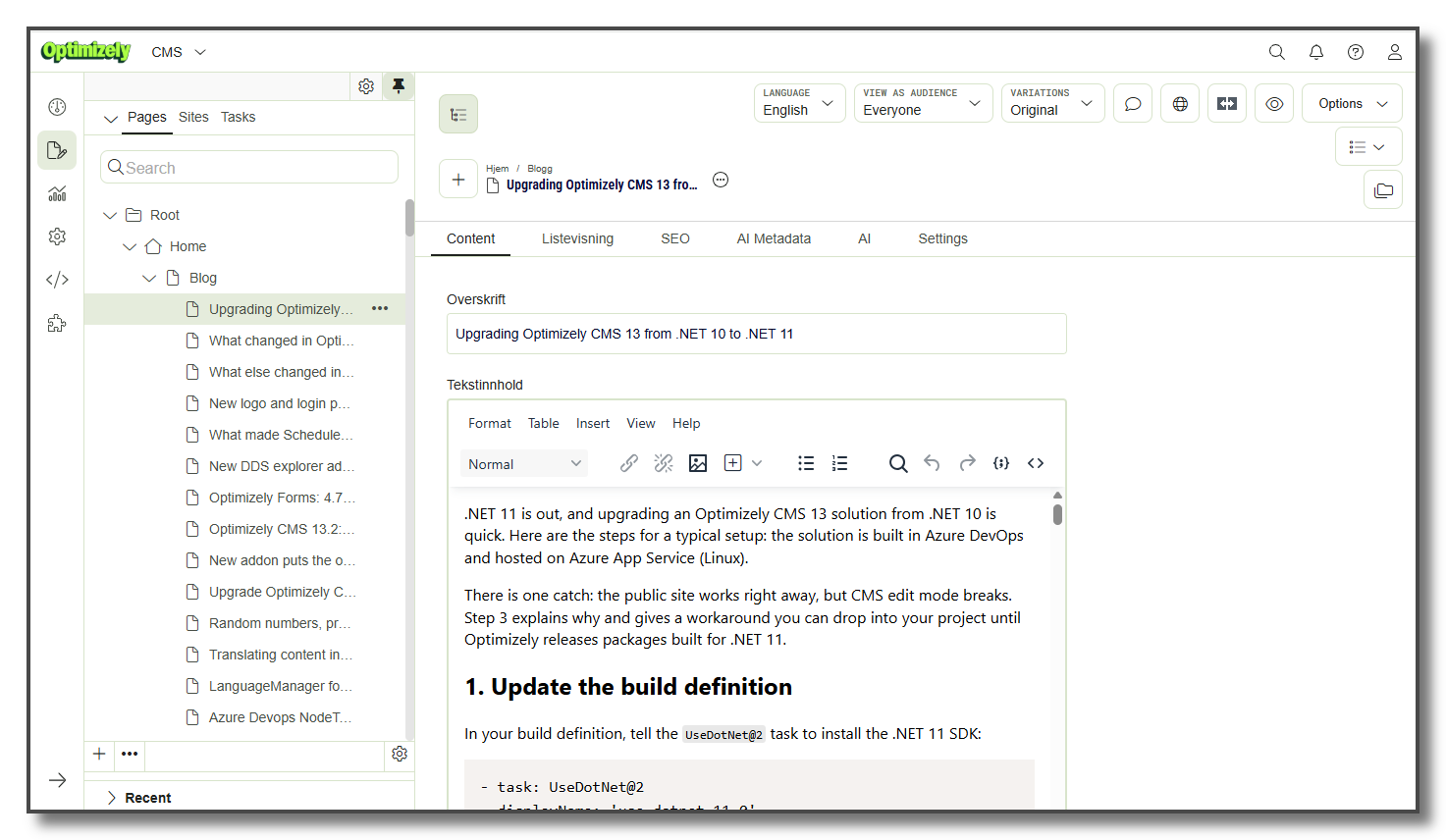
With the fix in place, edit mode works again:
This depends on Optimizely internals: a class in an Internal namespace and the names of private members. If an update renames any of them, you get a MissingFieldException or MissingMethodException when the code runs, not when it builds. This code is copied from CMS UI 13.6.0. Delete the file as soon as Optimizely releases packages built for .NET 11, and check edit mode after every CMS update until then.
4. Build
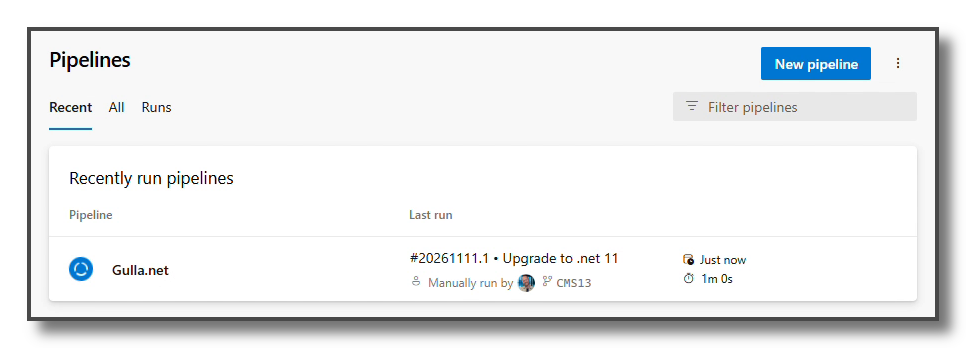
Run the build as usual:
5. Switch the App Service stack to .NET 11
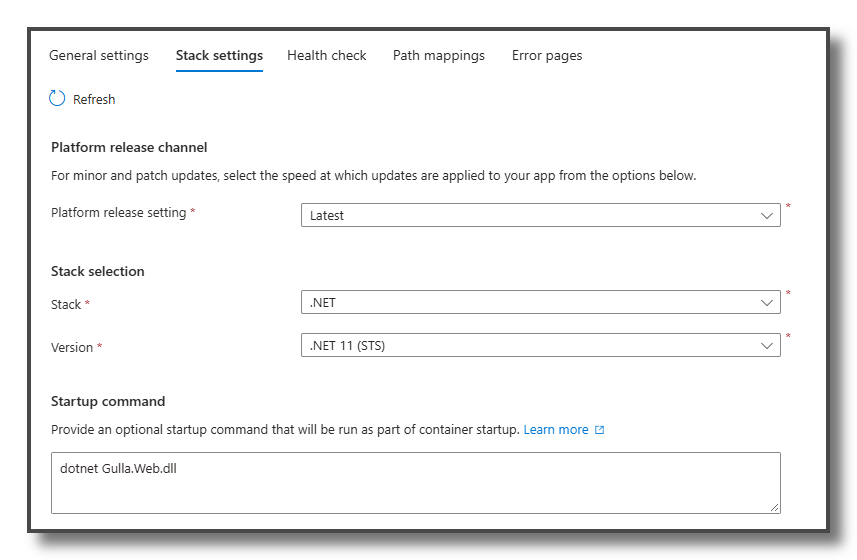
In the Azure portal, go to the App Service and open Configuration → Stack settings. Change Version from .NET 10 (LTS) to .NET 11 (STS).
6. Release to production
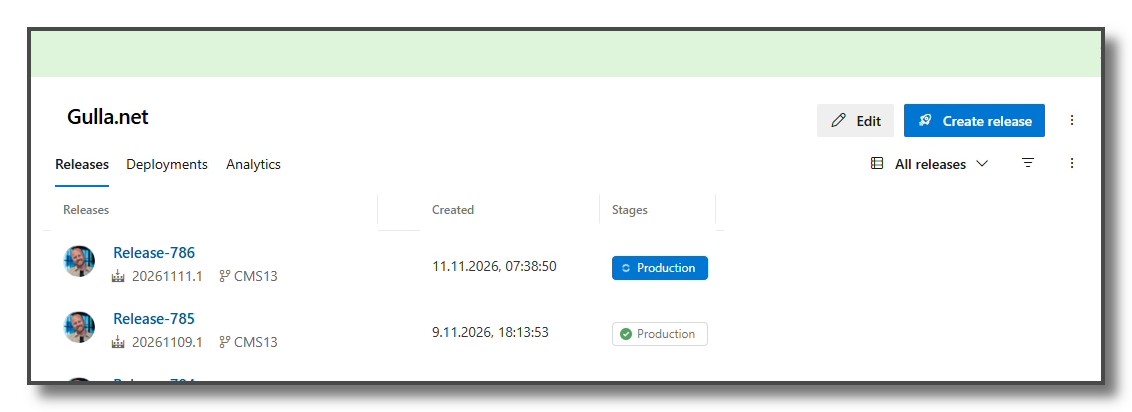
Then create a release and deploy it to production:
A small bump: the release candidate runtime
My first deploy did not start. The log stream said:
You must install or update .NET to run this application.
Framework: 'Microsoft.NETCore.App', version '11.0.0' (x64)
The following frameworks were found:
  11.0.0-rc.3.26522.148 at [/usr/share/dotnet/shared/Microsoft.NETCore.App]
The app is built with the final .NET 11 SDK, so it needs runtime 11.0.0. On the Standard release channel, the App Service image still had the release candidate. .NET will not roll forward from a release to an older pre-release, so the app refused to start.
The fix was to change Platform release setting from Standard to Latest, as you can see in the App Service screenshot in step 5. After the restart, the GA runtime was there and the site came up. Another option is to publish the app as self-contained. The image's runtime doesn't matter then. This problem will probably go away by itself within a few days, and you can switch back to Standard once it has.
Done
The site is now running .NET 11 in production.
All in all, the upgrade itself is smooth. Update the SDK version in the build definition, change the target framework in the project file, and change the stack in App Service. Until Optimizely releases packages built for .NET 11, you also need the edit mode workaround from step 3.
And now you can start using the new features in C# 15!